
NEW FEATURE: Import Data Wizard
Comments
Comments Off on NEW FEATURE: Import Data Wizard
by MobileIQ on July 24, 2009
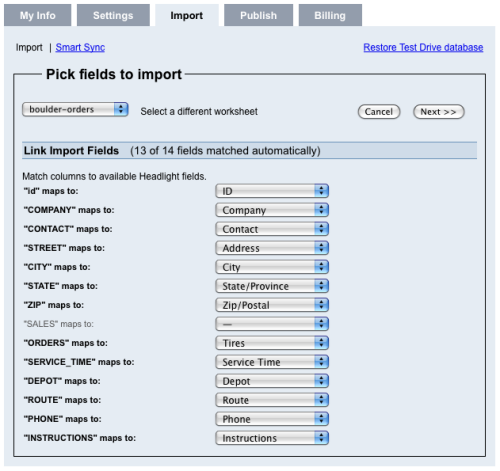
Easily the biggest feature in this release. It’s been completely overhauled to make importing files quick and easy. After you select a file, Headlight automatically matches fields and flags records that can’t be imported. Smaller jobs are geocoded in real-time, so map symbols appear instantly.
Here’s a list of other items in this release.
[flashvideo file=assets/media/tutorials/import-data.mov image=wp-content/uploads/import-data.png /]
Usage
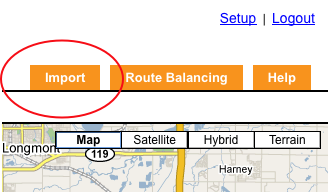
- Click the orange Import tab.
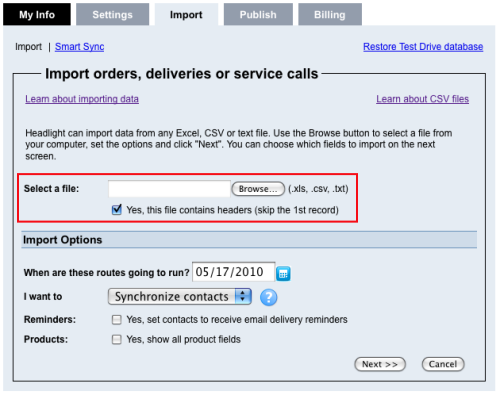
- Select a CSV file to upload and click Next.
- Headlight matches standard fields automatically based on column headers.
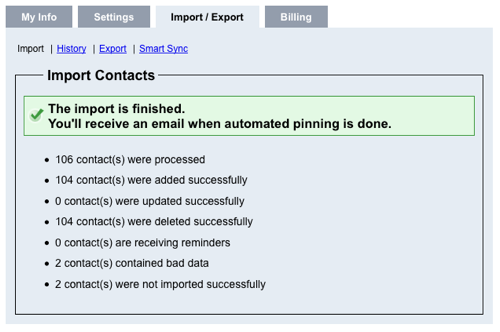
- Headlight display a summary report.
Tags: tutorials, using headlight